
Before ordering a programming cable, settle two things: does it match your exact radio, and do you have the software needed to use it? The LUITON LT-AC890 cable is listed for three specific models. It is a useful accessory to consider, but a cable listing alone is not a complete programming setup.
One detail deserves attention right at the start: the current product description says programming software is not available from the listing at present. Confirm a supported software source and version before buying the cable for an immediate job.
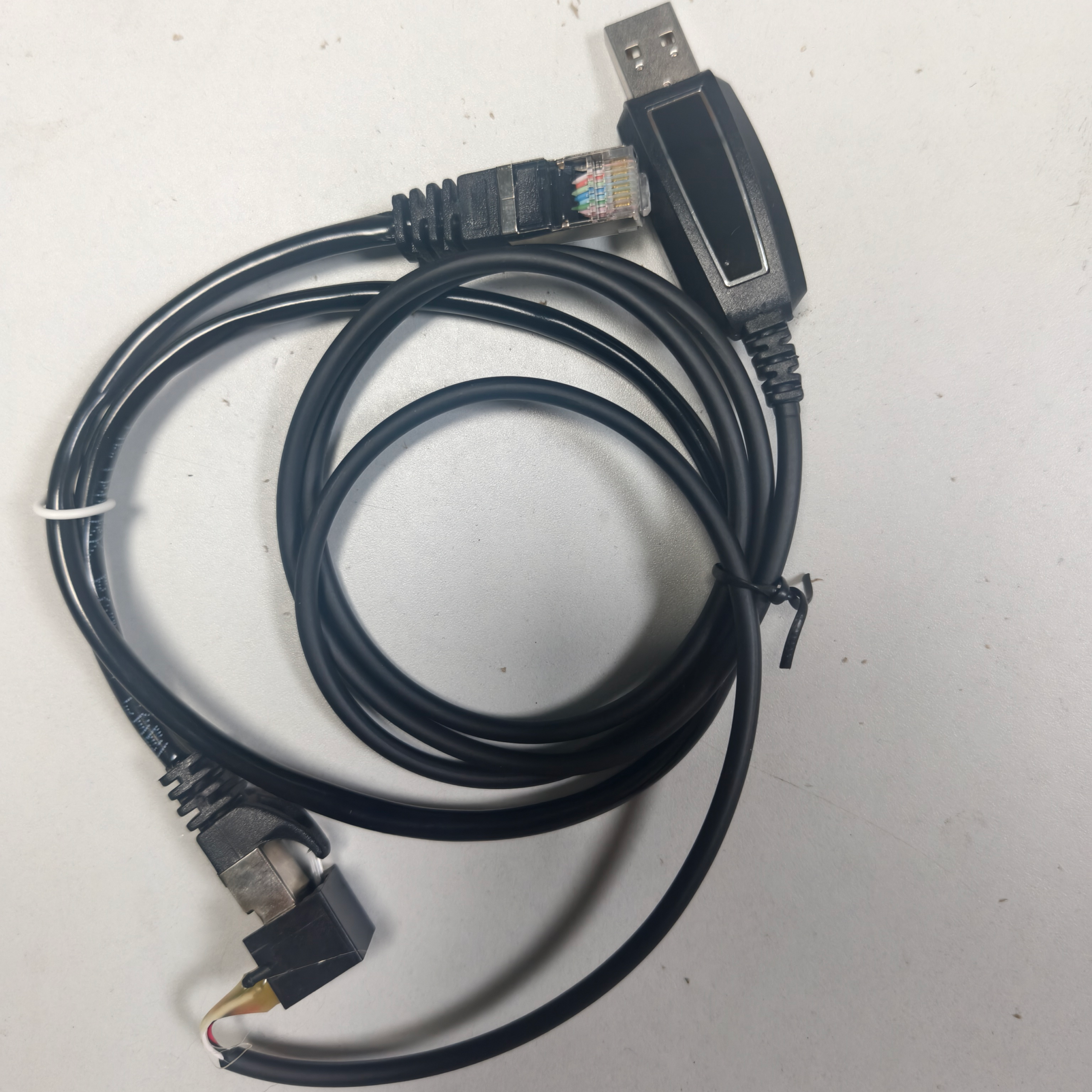
Which radios are listed for the LT-AC890?
| Radio model | Current LT-AC890 listing | Before connecting |
|---|---|---|
| LUITON LT-890SSB | Listed as compatible | Confirm the supplied radio revision and supported software |
| LUITON LT-8001PRO | Listed as compatible | Check the exact model name and software requirements |
| LUITON LT-8003PRO | Listed as compatible | Confirm the configuration tool and instructions for your unit |
Use the model printed on the radio or its documentation, not just a seller photo or a shortened name in an old order. If you are unsure about a revision, send the store the model details and a clear photo of the relevant connection before placing the order.
The compatibility list should not be extended to other LUITON radios simply because their names look similar. Nor does a connector that fits establish that the cable electronics, wiring and software are appropriate for a different model.
Resolve the software question first
The cable page currently states: “Programming software is not available at present.” That means you should not plan on an included download unless the store confirms a current arrangement for your order.
Ask for the supported software name and version, the intended radio revision, computer requirements and any driver instructions. Also ask whether your planned task is supported. Reading settings, editing a channel configuration and updating firmware are different operations; a cable described for tuning does not automatically establish support for all of them.
Use an identified, supported source for software and instructions. An unfamiliar file found under a matching model name is not a substitute for confirmation. If the software cannot yet be verified, postponing the purchase may be more useful than having a cable arrive with no supported way to use it.
Do not confuse the LT-AC890 with another cable listing
Best CB Radio also lists accessories such as the LT-AC310. The similar naming makes it easy to select the wrong item when buying from a small product thumbnail. Compare the stated compatible radios each time; do not assume that one cable replaces another.

If you already own another cable, ask about that exact item rather than trying it on the basis of appearance. The answer needs to cover the radio, cable and software together.
What to confirm when you are ready to order
- Exact radio: model and any relevant hardware or firmware revision.
- Cable: LT-AC890, with the supplied connection and intended use confirmed.
- Computer setup: supported operating system, software version and any driver requirements.
- Your task: the specific settings you want to manage, with suitable instructions.
- Package: confirm what comes in the order; do not assume software or additional accessories are included.
Once the correct setup is confirmed, follow the instructions supplied for that combination. Keep a copy of the existing configuration if the supported tool provides a read-and-save function. Avoid changing settings merely to see what they do, especially when you cannot yet restore the original configuration.
LT-AC890 questions before checkout
Does buying the cable include programming software?
The current page says software is not available at present. Ask the store about current support before buying; this guide does not provide an unverified download link.
Can it be used as a general-purpose USB cable?
The product is listed as a programming/tuning accessory for named radios. Do not assume charging, audio or other uses that the listing does not establish.
Will it add features or increase radio power?
The cable listing does not promise either. Software access does not create hardware capabilities, and any configuration still needs to suit the radio and your operating requirements.
What should I check next?
Review the LT-AC890 listing with your exact model details to hand. If your radio is an LT-8003 PRO, the LT-8003 PRO buying guide explains the radio’s listed features separately from its programming accessories.