
The first decision with the QUANSHENG UV-K10 Pro is the version, not the colour. The store lists Normal and Si4732 options, and the receive range changes with that choice. If you want to listen beyond the usual VHF/UHF activity, that distinction matters more than the 10W headline.
Here is a straightforward way to compare the options, understand the feature list and avoid ordering a configuration that does not suit your plans.
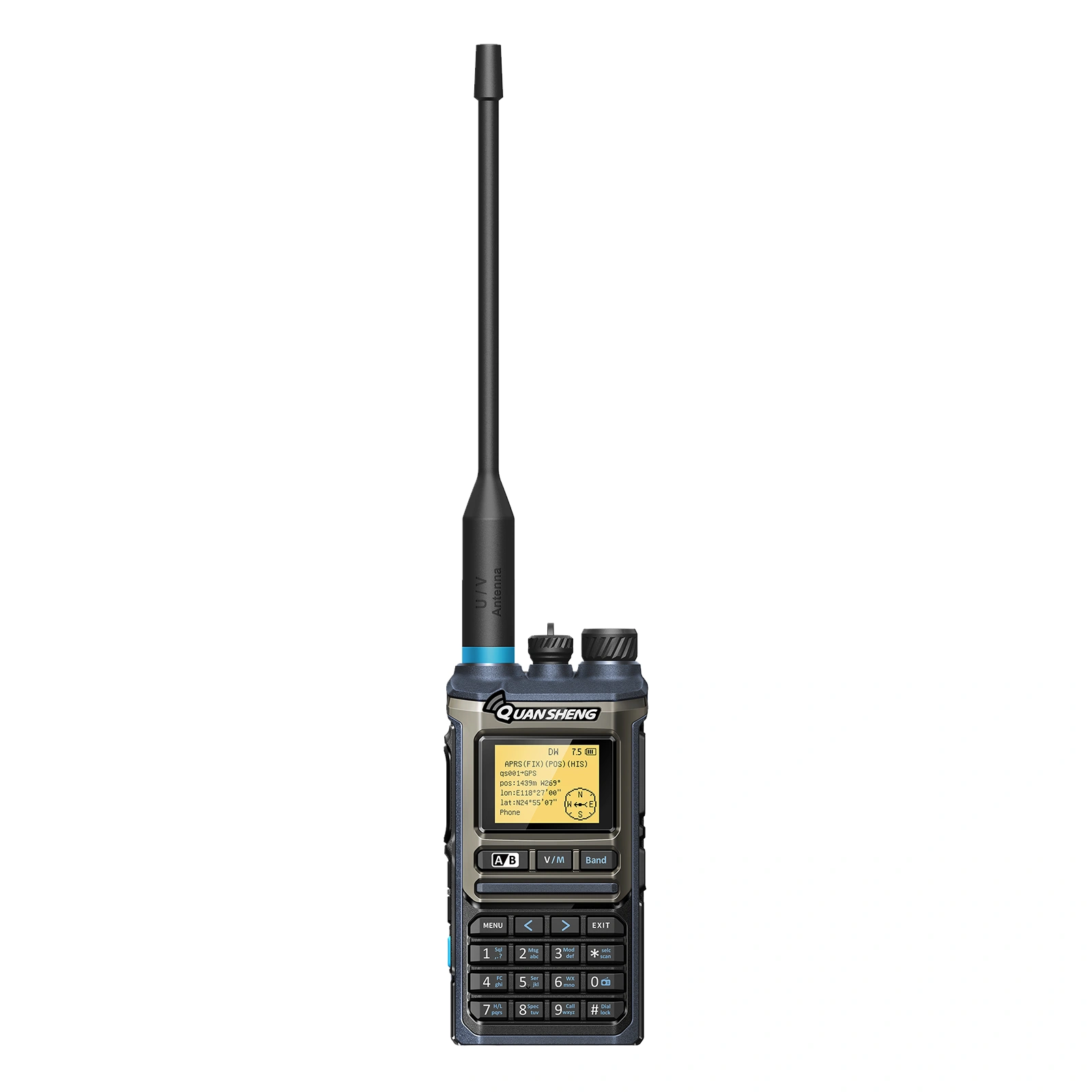
UV-K10 Pro Normal vs Si4732: the main difference
| Question | Normal option | Si4732 option |
|---|---|---|
| Listed receive range | 30–580MHz | 0.153–580MHz |
| Feature package to check | Confirm the Normal configuration | The listing associates this option with the Si4732 chip and GPS positioning |
| Who should look more closely? | Buyers focused on listening within the listed Normal range | Buyers who specifically want the additional lower-frequency receive coverage |
These are the ranges stated on the product page, not results from a reception test. A broad published range does not tell you how well a particular station will come in at your location or with the supplied antenna.
The useful buying question is simple: what do you actually want to listen to? Make a short list before choosing the version. If GPS or position reporting is central to your purchase, ask the store to confirm the hardware and supported operation in the exact option selected.
Wide receive coverage is different from transmit capability
The description lists FM, AM, SSB and CW reception, while its transmit information separately lists VHF/UHF ranges and FM modulation. Do not read the receive-mode list as a promise of SSB or CW transmission.
Likewise, the ability to receive a frequency does not establish that the radio can transmit there. The broad hardware transmit ranges on a sales listing are also not operating permission. Check the frequencies and requirements that apply to your use and location before transmitting. U.S. buyers can consult the FCC amateur radio rules in 47 CFR Part 97 as the official starting point.
What the 10W rating does—and does not—tell you
The specification lists transmit power up to 10W and selectable high, medium and low settings. It does not establish 10W on every band or a guaranteed distance between two radios.
For a handheld, where you stand and the antenna arrangement can make a noticeable difference. Choose the radio for the channels and features you need, then evaluate communication in the places where you will use it. A power number on its own is not a coverage plan.
Check the everyday features before the specialist ones
The UV-K10 Pro listing includes 999 channels, dual-channel standby, Bluetooth programming and PC programming. Those features can help organise a larger listening and operating list, but the programming workflow still needs to fit your phone or computer. Confirm the supported app or software, connection requirements and available documentation before relying on a particular method.
Charging is another practical detail. The listing describes Type-C charging through the radio body or battery, as well as base charging, and offers US/EU charger choices. Match the order option to the charger you need and follow the supplied charging instructions. Ask the store to clarify the included charger and programming-cable contents for your selected package.
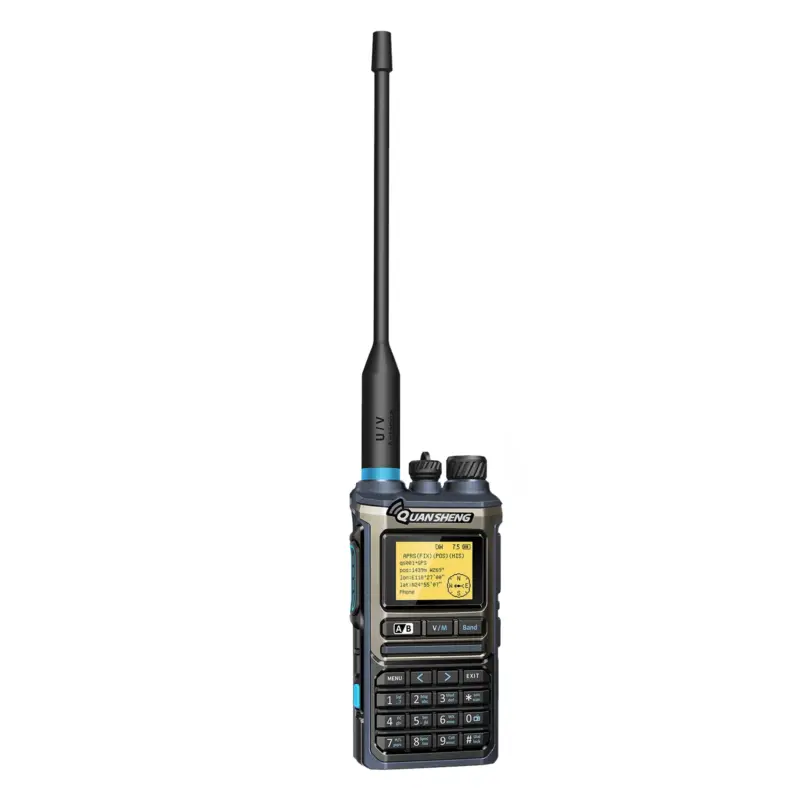
APRS, GPS and NOAA: confirm the option you need
APRS appears in the feature list, and GPS positioning appears with the Si4732 option description. If your aim is position reporting, ask how that function works on the supplied version and what additional setup it requires. Do not assume that an APRS label confirms identical GPS hardware in every option.
The page also lists ten NOAA weather channels. Consider whether that weather-channel service is relevant to where you will use the radio. A weather feature should complement your normal information sources rather than become the only reason to choose a model.
A quick pre-order checklist
- Mode: Normal or Si4732, chosen for the receive coverage you actually want.
- GPS/APRS: confirm the exact hardware and supported workflow if those are priorities.
- Charging: choose the right charger option and check the included accessories.
- Programming: establish the supported phone/PC method and where the documentation comes from.
- Use: check the intended operating frequencies and local requirements.
Common UV-K10 Pro questions
Does every version receive down to 0.153MHz?
No. The current listing assigns that lower limit to the Si4732 option. The Normal option is listed at 30–580MHz.
Is this a hands-on review?
This is a buying guide based on the current store specification and option descriptions. It does not claim measured range, battery runtime or receiver performance.
Where can I confirm the available package?
Open the UV-K10 Pro product page and check the mode, colour and charger selections together. For another compact option, the UV-K1 Mini listing is worth comparing on its own specifications rather than assuming the K-series models share every feature.